
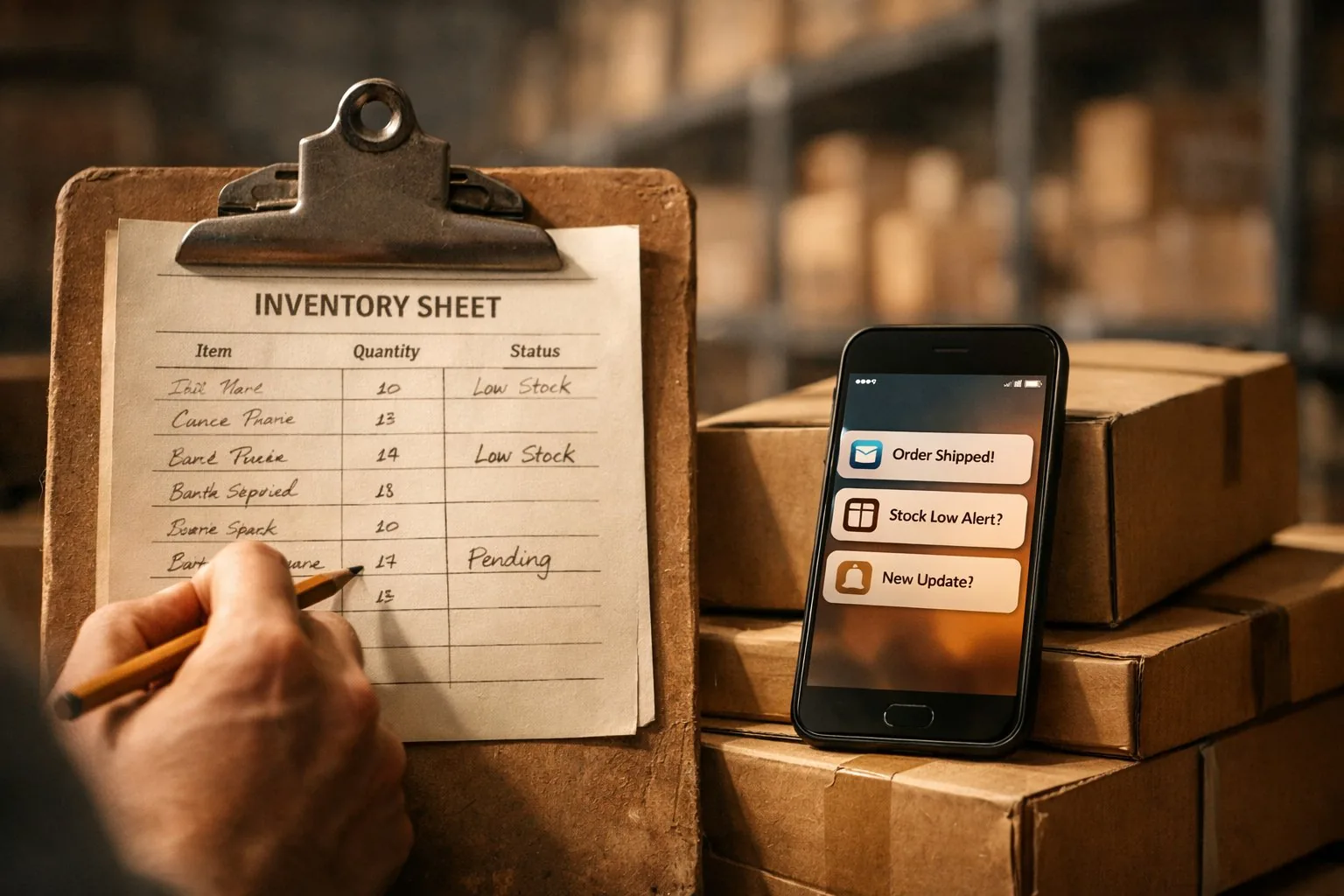
According to Telegram, the daily audience of the messenger exceeded 950 million active users in 2024. In Kazakhstan and Russia, Telegram has become the main channel for business communication: managers approve requests, sales representatives report on stock levels, and executives receive summaries directly on their phones. Meanwhile, 1C:Enterprise remains the primary accounting system for the overwhelming majority of small and medium-sized companies. Integrating these two tools — Telegram and 1C — helps bridge the gap between "where people work" and "where data is stored." In this article, we will explore which tasks can actually be automated through such a combination and how it is technically structured.
At West Star Ltd, we encountered this request in several projects: a wholesale company wanted a sales representative to be able to check stock levels directly from Telegram without calling the warehouse; a manufacturing company wanted to receive payment notifications without opening 1C. In both cases, the integration solved the problem — but each implementation option has its own cost and limitations, which are important to understand in advance.
TWO APPROACHES TO INTEGRATION
There are two main ways to link 1C and Telegram, and they fundamentally differ in the direction of data flow.
The first approach is polling 1C from a Telegram bot. The user writes to the bot, the bot contacts 1C via OData or HTTP service, retrieves the data, and responds to the user. This is the most common scenario for reference queries: "what is the stock level for product X?", "what is the debt of counterparty Y?", "what is the status of order number Z?".
The second approach is notifications from 1C to Telegram. 1C, upon the occurrence of an event (payment receipt, exceeding the credit limit, document status), independently sends a message to the chat via the Telegram Bot API. This works through scheduled tasks in 1C, which periodically check the condition and send an HTTP request to the Telegram API.
Both approaches can be combined in one bot: the user asks a question (first approach), and the bot additionally sends notifications without a request (second approach).
HOW THE REFERENCE PART WORKS: BOT REQUESTS 1C
To implement the first approach, two components are needed: a Python bot using the python-telegram-bot or aiogram library, and an adapter for working with 1C via OData (which we discussed in detail earlier).
A typical workflow is as follows:
- The manager writes to the bot: /balance Lenovo Laptop
- The bot receives the command, extracts the search query "Lenovo Laptop"
- Contacts 1C via OData: Catalog_Items?$filter=contains(Description,'Lenovo Laptop')
- Requests AccumulationRegister_StockBalance using the found Ref_Key
- Formats the response and sends it to the chat: "Lenovo IdeaPad Laptop: 12 pcs in Main warehouse"
Simplified code example:
from telegram import Update
from telegram.ext import Application, CommandHandler, ContextTypes
from services.onec import OneCAdapter
adapter = OneCAdapter()
async def cmd_balance(update: Update, context: ContextTypes.DEFAULT_TYPE):
query = " ".join(context.args)
if not query:
await update.message.reply_text("Specify the product name: /balance Product")
return
items = adapter._get(
"Catalog_Items",
{"$filter": f"contains(Description,'{query}') and DeletionMark eq false",
"$select": "Ref_Key,Description",
"$top": 5}
)
if not items:
await update.message.reply_text("Product not found.")
return
lines = []
for item in items:
bal = adapter._get(
"AccumulationRegister_StockBalance",
{"$filter": f"Item_Key eq guid'{item['Ref_Key']}'",
"$select": "QuantityBalance"}
)
qty = bal[0]["QuantityBalance"] if bal else 0
lines.append(f"{item['Description']}: {qty} pcs")
await update.message.reply_text("\n".join(lines))
app = Application.builder().token("BOT_TOKEN").build()
app.add_handler(CommandHandler("balance", cmd_balance))
app.run_polling()
In a real project, the following are added: user authorization by chat_id (so the bot does not respond to outsiders), caching results for 5–15 minutes, error handling when 1C is unavailable, logging requests.
HOW NOTIFICATIONS WORK: 1C WRITES TO TELEGRAM
The second approach — notifications from 1C — is implemented through a scheduled task or event in 1C, which sends an HTTP request to the Telegram Bot API.
For this, an HTTP connection is created in 1C:
Connection = New HTTPConnection("api.telegram.org", 443, , , , , New SecureConnectionOpenSSL());
Request = New HTTPRequest("/bot" + Token + "/sendMessage");
Request.SetHeader("Content-Type", "application/json");
Body = "{""chat_id"": """ + Chat_ID + """, ""text"": """ + Message + """}";
Request.SetBodyFromString(Body);
Connection.SendForProcessing(Request);
A scheduled task (e.g., every 5 minutes) checks the condition — "new payments have appeared in the last 5 minutes" — and if so, forms a message and sends it to the desired chat or group.
An important nuance: the recipient's chat_id needs to be known in advance. The easiest way is to ask an employee to send any message to the bot and record the received chat_id in the "employee — chat_id" correspondence table. This is done once during setup.
Typical scenarios for notifications from 1C:
— Payment receipt from a client: "Ivanov A.A. paid invoice №152 for 450,000 KZT"
— Exceeding the credit limit
— Expiration of a contract or power of attorney
— Critically low stock level (below threshold)
— Order status changed to "Shipped"
SCENARIO WITH CREATING AN ORDER IN 1C
A more complex and valuable scenario is when the user not only queries data but also creates a document in 1C directly from Telegram. For example, a sales representative accepts an order from a client in the field and places the order through the bot without logging into 1C.
To write data to 1C via OData, the POST method is used:
def create_order(customer_key, items):
payload = {
"Customer_Key": customer_key,
"SalesAgreement_Key": "...",
"Items": [
{
"Item_Key": item["ref"],
"Quantity": item["qty"],
"Price": item["price"]
}
for item in items
]
}
resp = requests.post(
f"{BASE_URL}/Document_CustomerOrder",
json=payload,
auth=ONEC_AUTH,
headers={"Content-Type": "application/json"},
timeout=30
)
resp.raise_for_status()
return resp.json()
However, writing via OData requires strict adherence to the 1C document structure and does not always correctly process business logic (filling in prices according to the price list, limit control). It is more reliable to use an HTTP service written by a 1C developer specifically for your tasks — it encapsulates 1C logic and accepts simplified JSON from the bot.
WHO AUTHORIZES IN THE BOT
A critical question often overlooked at the design stage: who has the right to work with this bot and see 1C data? By default, anyone who knows the bot's @name can write to it. For an internal corporate bot, this is unacceptable.
A typical solution is a table of authorized users: the bot's database stores a list of Telegram chat_ids that are allowed access. With each request, the bot checks the chat_id of the incoming message against this list. Adding a new user is either through a bot administrator command or by linking to a 1C account via token mechanism.
For large companies, role-based access can be configured: a manager sees only their clients and orders, a department head sees all department orders, a director sees a company summary.
Another working pattern is a one-time token upon first login. The user opens the bot, clicks "Connect," and enters a code provided by the administrator in 1C. The bot remembers the chat_id and links it to the 1C user. Subsequent requests are automatically filtered by this user — without additional authorization.
LIMITATIONS AND WEAK POINTS
— OData is suitable for reading data, but writing through it requires exact adherence to the 1C structure. Errors in the request format often give non-informative 500 error messages. For writing, HTTP services are more reliable.
— Scheduled tasks in 1C for sending notifications can be blocked if the user's tasks do not have internet access (firewall settings on the 1C server). This is a typical problem at the first launch: notifications do not arrive, and the reason is not easy to find without checking 1C logs.
— Telegram does not guarantee message delivery when the network is unavailable. If the 1C server and bot server are behind NAT without a public IP, webhooks do not work — polling must be used, which creates notification delays.
— Response speed depends on 1C performance. With high database load, a bot request may take 5–10 seconds. For the user, this is long — data needs to be cached or a "loading..." message should be displayed and answered asynchronously.
— Security of the bot token and 1C credentials. If the Telegram bot token falls into the wrong hands, they can send messages on behalf of the bot. If 1C credentials leak — they gain access to the database. Both secrets should be stored in environment variables and rotated at the slightest suspicion of compromise.
— Support and monitoring. The bot is another service that can fail. Without uptime monitoring and alerts for errors, users will report this verbally, often after several days.
PRACTICAL CONCLUSION
For the specialist. Start with a simple scenario — reference queries via OData. This can be launched in 1–2 days with an already working OData connection. Add chat_id authorization immediately, do not postpone. For notifications from 1C, ensure that the user of scheduled tasks has access to api.telegram.org through the server firewall.
For the manager. The integration of 1C and Telegram eliminates specific time losses: a manager does not spend 3–5 minutes calling the warehouse for one figure, a manager receives a payment notification without waiting for a daily report. At the same time, data in 1C is not duplicated and does not diverge — the bot reads it directly from the accounting system.
For the owner. This combination works on existing infrastructure: your Telegram, your 1C, a small Python service between them. No subscription to a third-party service, no data transfer through third parties. The cost of launching the basic version is a few days of development, the cost of support is minimal with established monitoring.
FREQUENTLY ASKED QUESTIONS
Is it necessary to modify 1C for integration with Telegram?
For reference queries via OData — no, an enabled web database publication is sufficient. For creating documents and notifications from 1C — modification is needed: either an HTTP service (a few hours of work by a 1C developer) or a scheduled task with sending requests to the Telegram API.
Can the bot be connected to a group or channel instead of a personal chat?
Yes. A Telegram bot can send messages to groups and channels if added there and the group chat_id is obtained. Many companies create a closed "1C Notifications" group and add the necessary employees there — more convenient than personal messages to each.
How safe is it to store 1C data through Telegram?
Telegram itself does not store 1C data — the bot only requests it at the moment of contact and sends the response. Data is not cached on Telegram servers. Risks: compromise of the bot token or 1C credentials. Mitigated by environment variables, limited 1C user rights, and chat_id filtering.
What if 1C is unavailable — will the bot hang?
Without an explicit timeout, a request to 1C can indeed "hang" the handler. Set timeout=15 on requests to 1C, catch RequestException, and respond to the user "Data temporarily unavailable, try again in a few minutes." This is much better than bot silence.