Month-End Closing in 1C: What Can Really Be Automated
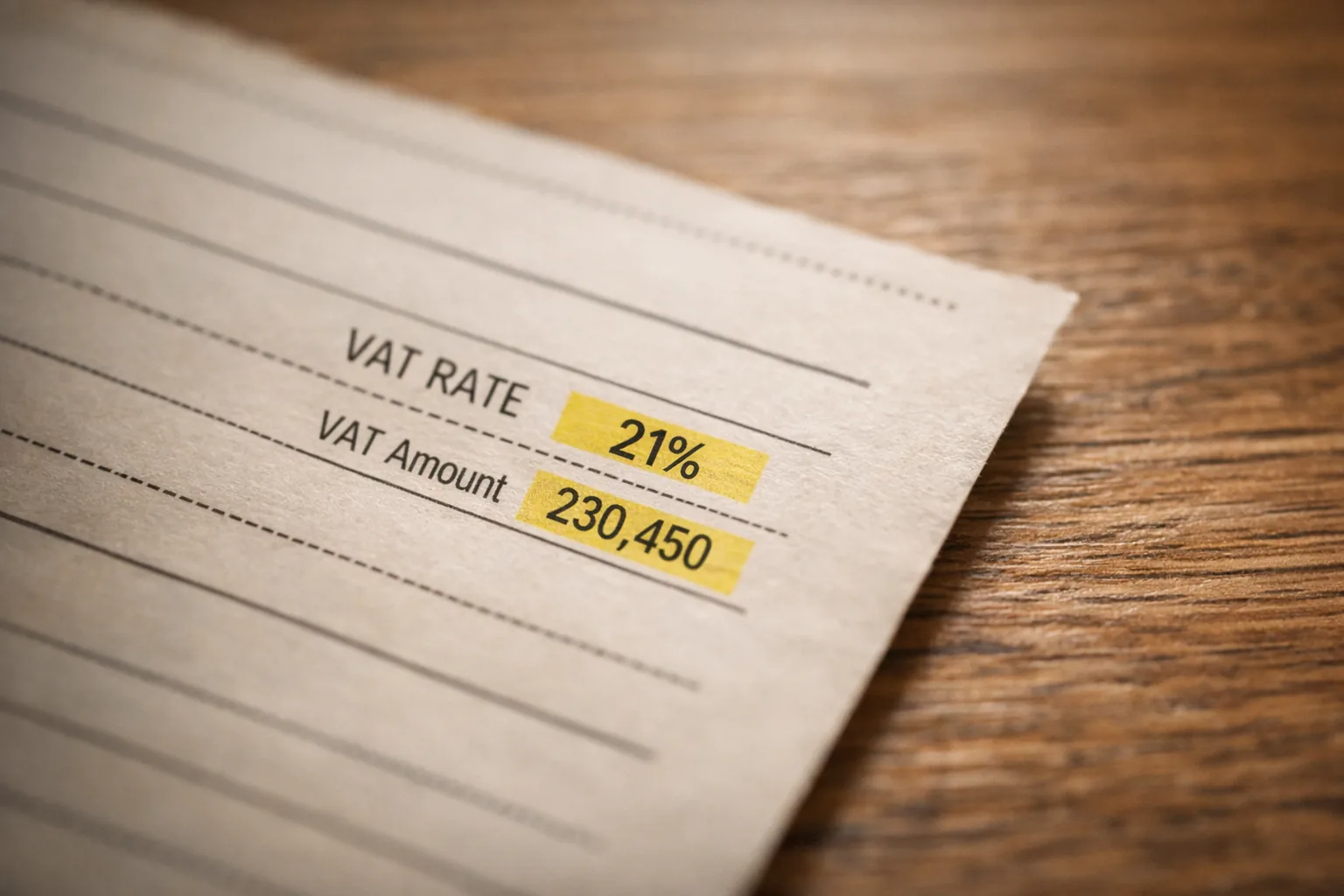
From January 1, 2026, the VAT rate in Kazakhstan increased from 12% to 16% — this is part of the new Tax Code signed on July 18, 2025. Simultaneously, the threshold for mandatory VAT registration was lowered, so more companies are subject to the tax, and a reduced rate of 5% was introduced for medicines and medical services. For accounting, this means one thing: the cost of errors in accounting has increased, and month-end closing has become even more sensitive to every incorrect entry.
At West Star Ltd, we have been automating accounting processes in 1C for many years and see the same picture in almost every company: month-end closing turns into a rush not because of the complexity of taxes, but because of manual data transfer and errors that surface at the last moment. In this article, we will analyze what can really be automated in month-end closing, the order in which to approach it, and where automation has honest limitations.
WHY MONTH-END CLOSING TURNS INTO A RUSH
The problem is not that the accountant is slow. The problem is that data arrives at the last moment and in different formats.
A supplier sends an invoice in the government system, an act arrives in a messenger, part of the primary documents are on paper waiting for manual entry. The bank provides a statement in one format, the cash register in another. All this needs to be consolidated into one consistent picture by the end of the month.
Each source is a separate manual operation. Download, open, transfer to 1C, check that amounts and details match. Multiply by hundreds of documents — and you get the overtime of the last week of the month.
The second source of rush is deferred errors. An incorrectly processed document in the middle of the month surfaces only at closing when the turnover balance sheet does not match. The accountant searches for a needle in a haystack instead of calmly submitting reports. After the VAT increase to 16%, such discrepancies are more costly than before.
Automation addresses both reasons. It removes manual data transfer and catches discrepancies immediately, not on the last night before submission.
WHAT CAN REALLY BE AUTOMATED
Month-end closing is not one task, but a dozen small ones. You don't need to automate everything at once. We divide the work into blocks and close one at a time:
— reconciliation of bank and cash transactions;
— loading and processing primary documents;
— control of unprocessed and pending documents;
— VAT calculation and report preparation;
— formation of regulatory reports and exports.
Each block is independent. It is worth starting with the most painful one — for most companies, this is reconciliation and primary documents — and moving on when the first step has stabilized and brought results.
RECONCILIATION OF BANK AND PRIMARY DOCUMENTS — WHERE TO START
Bank statement reconciliation is an ideal candidate for automation. The logic is simple and formal: take the account movement, find the corresponding entry, match the amount and counterparty. A person does this with their eyes, a rule does it instantly.
1C already has bank statement loading through client-bank and DirectBank. If the bank supports direct exchange, the statement enters the database without manually downloading the file. Then the documents are matched by amount and payment purpose, and discrepancies are highlighted. The accountant deals with only the disputed lines — duplicate payments, partial payments, unfamiliar counterparties.
Let's show on a scale. When several hundred payments pass in a month, manual matching takes days of scattered attention. With direct exchange and matching rules, the system distributes most payments itself, leaving only a handful of exceptions for the person. The same logic works with cash and acquiring — everywhere there is a formal rule "find a pair."
With primary documents, it's more complicated because they arrive chaotically. Here, a single point of reception helps. Invoices in Kazakhstan already pass through the electronic invoice information system — document data already exists in a structured form, they do not need to be re-entered from PDF. This also applies to accompanying waybills for goods and movements in the virtual warehouse. The task is to ensure that 1C automatically retrieves this data, rather than waiting for manual entry. The sooner the document enters the database, the less work at the end of the month.
VAT AND REPORTING AFTER THE 2026 REFORM
With the transition to a 16% rate and a reduced rate for certain categories, VAT calculation has become more demanding for accuracy. Automation here is not about calculating for the accountant, but about eliminating transfer errors and speeding up reconciliation.
What can be automated in the tax block:
— matching issued and received electronic invoices with VAT entries;
— control that each sale has an invoice, and each deduction has a basis;
— separation of operations by applicable rate, so that the standard 16% and reduced 5% do not mix;
— preliminary calculation of the amount payable before the declaration is formed.
The point is that discrepancies between government system data and 1C accounting appear during the month, not a day before submission. When the system quietly reconciles one with the other every day, closing ceases to be a leap into the unknown.
Separately, deadline control is worth mentioning. Regulatory operations, advance reports, salary accruals, and taxes have deadlines. A simple reminder mechanism within 1C removes the risk of "forgot to process" more reliably than sticky notes on the monitor.
DATA FROM 1C WITHOUT MANUAL EXPORTS
Most of the manual work during closing is exports. Someone asks for balances, someone for turnover on a specific account, someone for a list of unprocessed documents. And the accountant processes and sends Excel each time.
1C comes with a REST interface — the standard OData protocol. It turns the database into a data source that can be accessed by request, without manual exports. It is enabled in a couple of steps: the information base is published on a web server, and the necessary objects are marked with the standard OData interface flag. After that, directories, documents, and registers are available via a regular web request, and the response comes in a structured form, ready for a dashboard or report.
In our practice, this removes an entire class of routine. Unprocessed documents, accounts receivable, VAT discrepancies are displayed on the dashboard and update themselves. No one opens 1C and processes manually. An important security detail: a separate user with read-only rights to the necessary objects is created for integration. The access channel does not need a full administrator — the fewer rights, the less risk of breaking something in the production database.
The same channel is useful far beyond month-end closing. Once access to data is set up, you get a single source for management reporting: sales by day, warehouse turnover, accounts receivable dynamics. Previously, for each such figure, they went to the accountant with a request to export, now it is available immediately and in current form. The financial picture ceases to live in one person's head and in a stack of files on their desktop — it becomes transparent to those who need it for decision-making.
WHERE THE AI AGENT CONNECTS
OData provides raw data. The AI agent turns it into understandable answers and actions.
Instead of opening the turnover sheet and looking for anomalies with their eyes, the accountant asks the agent: which documents for the month are not processed and for what amount. The agent accesses the data through OData, calculates the total, and responds in words, and in case of a reconciliation discrepancy, suggests which document diverged. Further, you can refine the request in ordinary language — for which suppliers there has been no receipt for more than a month, which sales are without an invoice — and the agent narrows the selection without forcing you to delve into filters.
The key difference from a regular report is that the report shows what was laid down in advance, and the agent answers a specific question here and now, including one that no one anticipated. But this only works on top of clean data: on chaotic accounting, the agent gives chaotic answers. Therefore, the smart layer is placed last when basic automation is already in place.
LIMITATIONS AND WEAK SPOTS
Honestly about where month-end closing automation is not a panacea.
First. It does not fix disorder in accounting. If documents are processed haphazardly, and directories are duplicated, any rule stumbles over dirty data. First order, then automation — not the other way around.
Second. Non-standard operations remain manual. One-time deals with their own logic are more expensive to automate than to do manually. There are few of them, and the setup will not pay off — this is normal.
Third. Automatic reconciliation does not cancel control. The first few months, the results need to be monitored and compared with what was calculated manually. Trust in the system is built on verified results, not promises.
Fourth. Legislative changes require support. The 2026 VAT reform is a clear example: rate and threshold rules change, and automated algorithms have to be updated accordingly, otherwise, they start calculating the old way.
Fifth. The AI agent can make mistakes and does not replace the accountant's responsibility. Its answers are hints and accelerations, not a basis for signing a declaration without looking. The decision is always up to the person.
Sixth. Implementation requires team involvement. If the accountant does not understand how the new reconciliation works, they will not trust it and will continue to duplicate everything manually. Without a short explanation of the logic, the tool remains idle.
WHERE TO START: CONCLUSION
Month-end closing becomes a rush not because of the complexity of accounting, but because of manual data transfer and deferred errors. Both are automated — but step by step and in the right order.
To the accounting specialist: choose the most painful closing operation, most often this is bank reconciliation or primary document processing, and automate it. Measure how much time has been freed up, and move on to the next block.
To the head of the accounting department: put order in the data and open access to it through OData, so that unprocessed documents and VAT discrepancies are visible every day, not surfacing at closing. This reduces the closing time and decreases dependence on one person.
To the owner: look at the speed with which you receive figures. If closing takes a week and a half, decisions are made based on outdated data. After the VAT increase to 16%, the cost of untimely and inaccurate reporting has increased, and reducing the closing time is already a matter of business manageability, not just accounting comfort.
The main thing is to stop manually closing every month what can long close itself. The accountant's time is too expensive to spend it reconciling lines at nine in the evening.
FREQUENTLY ASKED QUESTIONS
What is the VAT rate in Kazakhstan in 2026?
From January 1, 2026, the standard VAT rate is 16% instead of the previous 12%. A reduced rate of 5% applies to medicines and medical services. The changes were introduced by the new Tax Code signed on July 18, 2025.
What is OData in 1C and why is it needed for month-end closing?
OData is a standard REST interface built into 1C. It allows you to get data from the database via a regular web request, without manual exports to Excel. For month-end closing, this provides daily control of unprocessed documents, accounts receivable, and VAT discrepancies in the form of a dashboard.
Can month-end closing be automated without a programmer?
Basic things — yes. Loading bank statements through direct exchange and receiving electronic invoices are configured with standard 1C tools. For integrations through OData and connecting an AI agent, one-time help from a specialist is usually needed, after which the system works independently.
Will the AI agent replace the accountant?
No. The AI agent speeds up routine and answers questions based on data, but the responsibility for reporting and decisions remains with the accountant. It is a helper tool, not a replacement for a specialist.